Branding module
The branding module allows setting up, and previewing custom branding of ThinLinc Web Access. This can be a way to make ThinLinc Web Access better match the branding of the organization and make users feel at home.
A modified title can be set using Page title. Logo image path can be configured to use a different logo image. By setting Background image path a custom background image can be set for the login page. See Fig. 42 for an example.
More information regarding these customizations can be found in Custom branding.
A restart of the tlwebaccess service is required after changes to branding configuration in order for the changes to take effect. A toast will be shown after saving, facilitating a service restart.
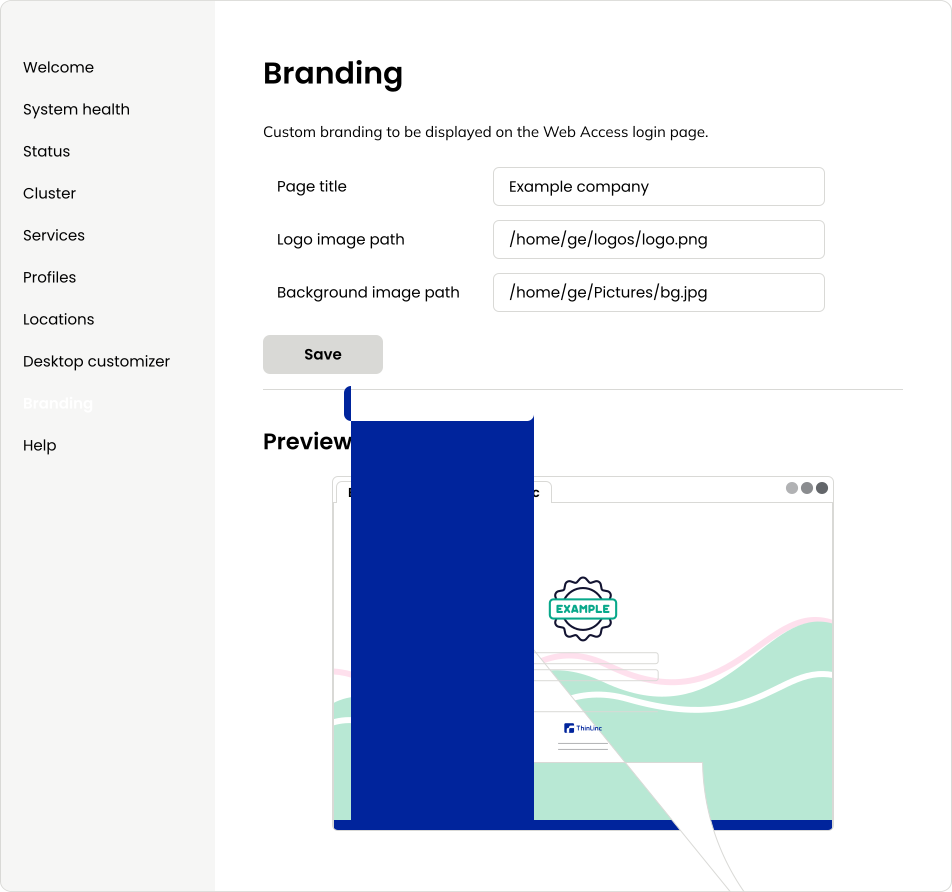
Fig. 42 Preview of custom branding
As seen in Fig. 42, a preview of the custom branding is shown under the Preview section. This preview shows a miniature version of the login page of ThinLinc Web Access.
Using the preview, it is possible to see how the custom branding will look to the user, before restarting the service to apply the changes.