



Everyone's back from their holidays, and with them come the project kick-offs, the planning meetings, and the water cooler talk about the summer's adventures. Somewhere in all that, we managed to ship yet another packed ThinLinc release. Say hello to ThinLinc 4.21.0!
Over the last few years, logging in with an organizational account has gone from a nice-to-have to the expected norm. In many organizations, this is handled by an identity and access management system such as Microsoft Entra ID (formerly Azure Active Directory) or Keycloak. Organizations adopt this so people can log in once instead of remembering a separate password per service, and so administrators get more control over how authentication policies are enforced. 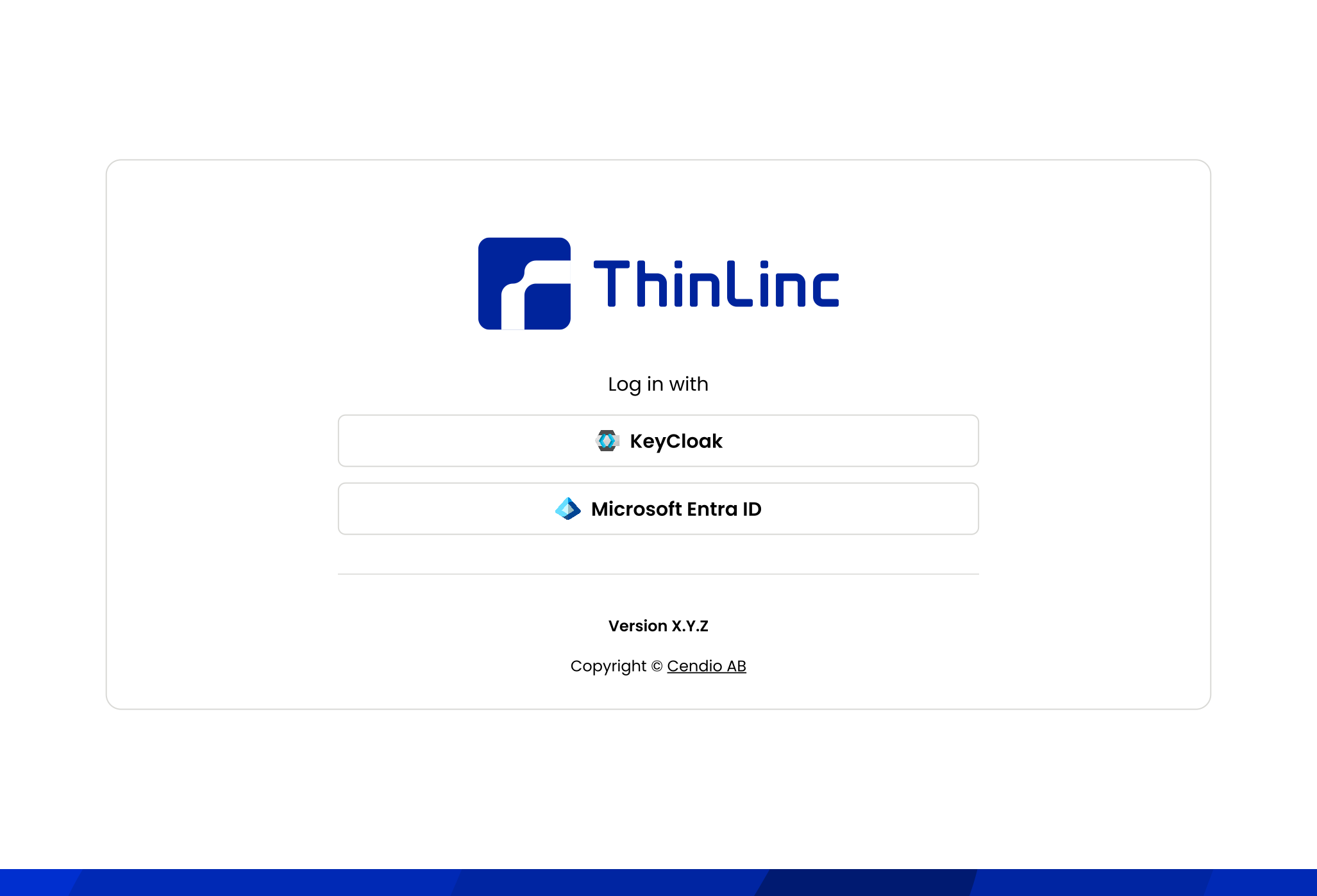
ThinLinc Web Access now offers the same approach through support for OpenID Connect. Once it's configured on the server, your users can log in to Web Access with the same credentials and the same login flow they already use for everything else in your organization.
A feature we've had recurring requests for is the ability for administrators to lock in certain client settings on managed endpoint devices. To satisfy these use cases, the 4.21.0 client respects an administrator-managed configuration on the endpoint device. Settings defined in this configuration cannot be changed in the Options dialog or in the user-managed configuration. Useful when you, for example, want to force the client to automatically close when the smart card used for signing in is removed or only allow the client to connect to a single predefined ThinLinc server.
This release also brings a handful of changes aimed at making everyday life with ThinLinc a bit smoother when things don't go as planned.
If ThinLinc detects a session already running under the same user on the assigned agent, the user will now be presented with a warning upon connection. From this dialog, the user can choose to terminate the already running graphical session. Modern desktop environments are rather picky about having multiple instances running under the same user. When a user launches a second desktop environment instance, it usually leads to anything from subtle bugs to full crashes accompanied by unclear logging. This has been a serious pitfall for new users who try to connect to a machine where they already have a logged-in local session running. With this addition in place, we hope that the confusion resulting from this will be gone once and for all.
We have also spent time improving the general logging situation in ThinLinc:
ARM hardware has moved decisively to 64-bit, and several distributions have stopped shipping 32-bit ARM builds altogether. Running our 32-bit client on such a system meant installing a parallel set of 32-bit compatibility libraries, and that no longer reliably works: some distributions don't package them, and some 64-bit ARM kernels have moved to a larger memory page size that 32-bit programs can't always be loaded with. The Raspberry Pi 5 is a good example.
ThinLinc 4.21.0, therefore, ships a native 64-bit ARM client. It installs and runs with nothing extra to set up. It replaces the 32-bit client rather than joining it, so dated endpoints restricted to a 32-bit ARM OS should stay on the 4.20.0 client.
On the server side, ThinLinc 4.21.0 introduces new restrictions that should be kept in mind before upgrading your ThinLinc servers. As always, we also recommend thoroughly reviewing the release notes before the upgrade.
Firstly, the communication between ThinLinc nodes is now version checked. Before ThinLinc 4.21.0, it was technically possible to partially upgrade the nodes in a ThinLinc cluster. While such partial upgrades sometimes worked, they have been a source of hard-to-troubleshoot issues in the past. See Upgrading ThinLinc for the recommended upgrade procedure. Note that this only applies to server-server communication. We're still set on keeping a strong compatibility between different clients and servers.
Secondly, it is no longer possible to combine license files issued for different subscriptions in a single cluster. In case you have combined multiple licenses from different subscriptions up until today, contact support@cendio.com before upgrading. We will help you reconcile your parallel subscriptions when needed!
With OpenID Connect support in place, we've finally closed another long-running project. We're not done yet, though, with several beefy projects still in the pipeline that we'll have to save for future releases: our ongoing upstream work to land proper Wayland support in ThinLinc, the transition to a new GUI toolkit, web camera forwarding support, and a handful other projects that you'll no doubt hear more about in the future.
As always, this release contains numerous minor enhancements across the board to make ThinLinc even more functional, easy to use, and secure. For the full list of changes, see the ThinLinc 4.21.0 Release Notes. The 4.21.0 server and clients are available on our download page. We look forward to hearing what you think on the ThinLinc Community Forum!