



Rocket Software’s cloud-based virtual desktop solution Exceed TurboX is a powerful X11-based platform for remote desktops and app delivery from on-premises or data center environments.
However, it has limitations, especially for admins who need reliability and scalability without added complexity.
This guide explores the best Exceed TurboX alternatives available today to help you find the right fit for your environment.
Exceed TurboX is a remote desktop platform built for resource-intensive graphical workloads like CAD, chip design, and 3D modelling.
It sits between traditional VNC-style access and full enterprise VDI solutions such as Citrix or VMware Horizon. It's often deployed through its server manager version for centralized control.
It’s also used in legacy HP-UX and UNIX-based environments that rely on X11 applications for engineering and simulation workloads.
Overall, it reduces hardware costs, protects IP (as data stays server-side), and speeds up collaboration for design teams.
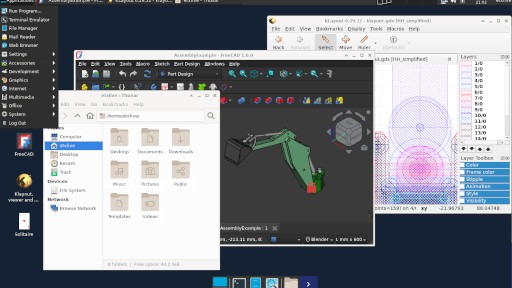
Exceed TurboX’s licensing, GPU setup, and management can quickly become costly and complex, especially if you just need reliable Linux desktops rather than full VDI control.
As deployments grow, costs rise fast. Some resellers list prices around $1,300 per concurrent licence, though official pricing for large-scale use isn’t public and requires a custom quote.
Exceed TurboX is a multi-component system built around a server/connection-node model that requires clusters, synchronization, and high-availability configuration to run reliably. Each node has its own state to monitor, while GPU load-balancing and multi-GPU nodes introduce extra driver and hardware dependencies. Even the newer versions that removed external databases still demand storage replication and version management across connection nodes.
ETX sessions travel through HTTP(S) brokers to connection nodes, so firewalls, load-balancers, and proxies all need manual configuration. Performance tuning for latency-sensitive 2D/3D workloads means opening specific ports, setting proxy exceptions, and optimising bandwidth for GPU streaming.
For most teams that just need stable Linux desktops, the architecture introduces heavy setup and maintenance overhead with more moving parts, more patching, and more potential failure points than streamlined, Linux-native remote-desktop alternatives.
Exceed TurboX still relies on the X11 protocol, which struggles over high-latency networks. Despite claims of adaptive performance, it often tunnels raw X11 traffic, adding overhead and lag compared to modern remoting stacks that compress frames or offload rendering to GPUs. Its “suspend and resume” function simply pauses sessions, lacking the seamless persistence and instant reconnect expected in newer platforms.
X11-based systems like Exceed TurboX have known vulnerabilities and larger attack surfaces, even with encryption layered on. Although it offers audit logging, other policy controls and MFA require extra configuration. In order to meet modern standards like ISO 27001 or GDPR, you'll have to add custom gateways and constantly patch it.
Modern remote-desktop platforms increasingly favour concurrent or usage-based licensing models rather than rigid per-user or per-device licences. It keeps costs more predictable and manageable.
Look for a solution with simple deployment and automatic session handling. A modern tool should allow you to provision users and enforce policies from a single console, reducing time spent on command-lines, scripts or bespoke integrations.
Select a platform engineered with modern security fundamentals, such as end-to-end encryption (SSH or TLS), built-in MFA/SSO support, granular role-based controls and audit-ready logging. You can learn more in this guide to securing remote desktop access on Linux.
Smoothness and feel-local performance depend on factors like hardware encoding/decoding and GPU off-load. For example, remote desktop solutions that support H.264/AVC encoding with GPU acceleration show much lower latency and smoother video playback.
Whether you support a few users or thousands, the platform should scale easily without high licence costs or resource issues. Load balancing, clustering, and GPU support should come built in.
A remote desktop solution that natively supports Linux authentication systems (LDAP, AD, PAM) and integrates into existing IT identity/SSO frameworks will save you building custom glues.
When evaluating alternatives, check for: full Linux-desktop support (not just app-sharing), persistent sessions (disconnect/reconnect without losing state), multimedia redirection (audio/video), browser-based access (no client install) and central policy/monitoring tools.
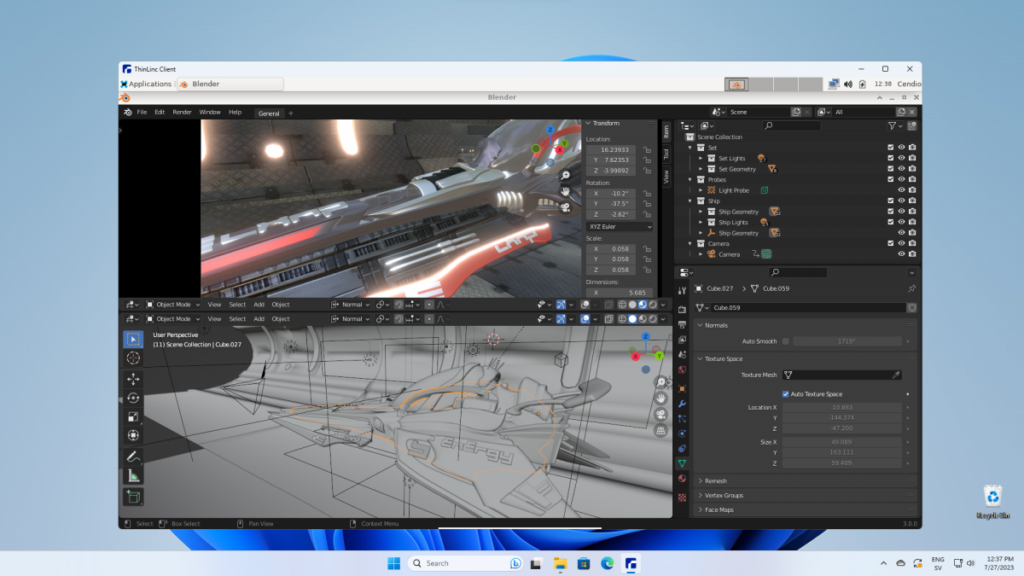
ThinLinc is a modern, Linux-native remote desktop solution built for enterprise scalability and serves as an all-in-one alternative to legacy X11 servers.
ThinLinc’s fair, predictable licensing makes it stand out compared to Exceed TurboX. It uses concurrent licensing, so you only pay for active users, not every workstation. Smaller teams benefit even more, as it’s free for up to 10 users with full features, ideal for pilots or small deployments.
ThinLinc includes a fully-featured web admin console that provides modules for system health, session status, cluster management, service configuration and profile/desktop customization, all via a browser rather than command-line only.
It supports automated installation and upgrade workflows and uses PAM modules to authenticate against LDAP, Active Directory, or native Unix password files, which eases integration into existing Linux/AD infrastructures.
Sessions are persistent and automatic, so users can disconnect and reconnect anytime without losing work. Deployment is simpler than Exceed TurboX too, with easy integration into existing Linux setups using LDAP, Active Directory, and NFS.
ThinLinc uses SSH as the underlying transport and encryption layer for all sessions, which means client-to-server traffic is encrypted by default rather than exposing raw display protocols.
It also supports multi-factor and one-time passwords, plus logging, monitoring, and granular access controls for clipboard, file, and device policies.
Users can reconnect anytime and pick up where they left off, even after a reboot, which is ideal for long research or lab work. Performance stays smooth for graphics-heavy workloads with smart compression and GPU acceleration via VirtualGL. It also has built-in audio, file transfer, and printer redirection.
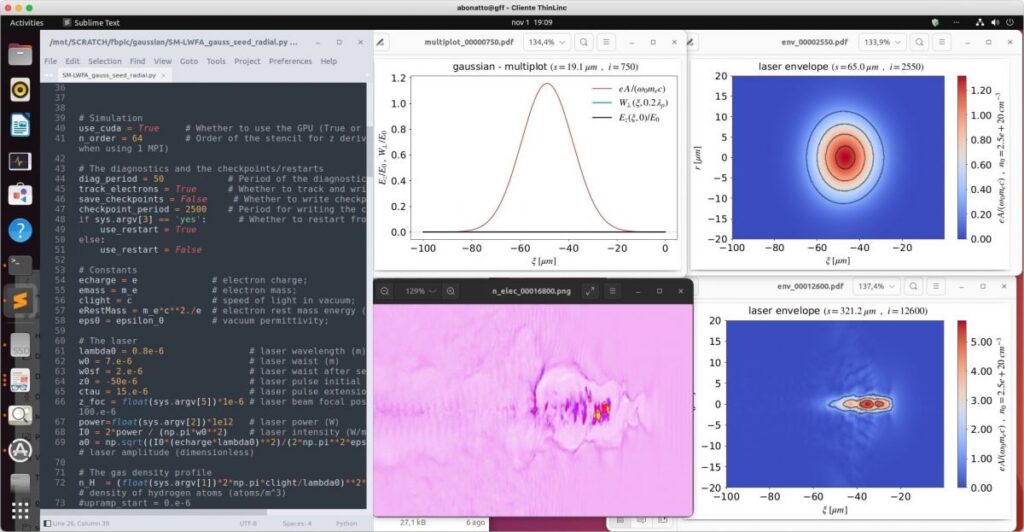
Load balancing and high availability keep performance steady across clusters, while GPU acceleration supports demanding visual or compute tasks. Admins can easily enable file and printer redirection, and developers benefit from seamless integration with Linux toolchains, keeping productivity high.
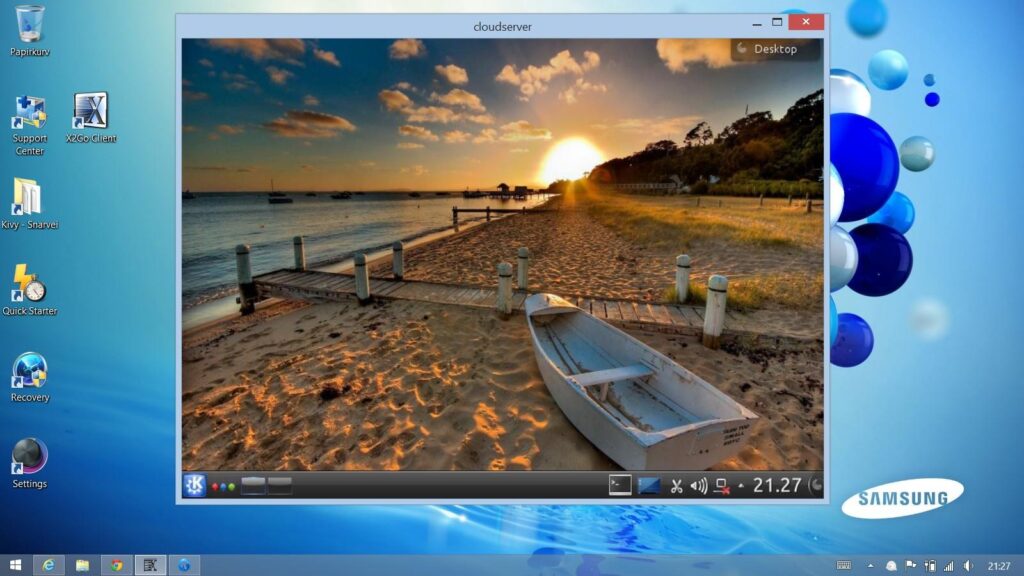
X2Go uses a modified NX‑Libs (NX3) protocol under the hood, which compresses and tunnels the graphical session via SSH, giving better responsiveness over low-bandwidth links compared to plain X11 forwarding.
Setup is quick, making it a good fit for small teams, home labs, or developers who need occasional GUI access.
However, scaling beyond a few dozen users becomes more manual. Resource allocation, user sessions, monitoring load, and handling GPU/3D workloads are not automatic and need to be done manually.
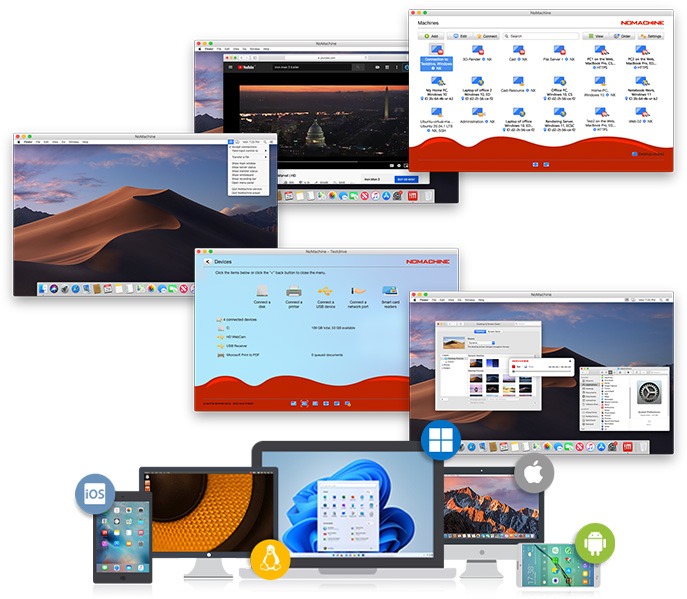
NoMachine uses its own NX protocol, which optimizes the X11 display system via compression and caching, making it ideal for graphical apps. The protocol supports a mix of TCP and UDP for session data (e.g., UDP for multimedia streams) to improve responsiveness under varying network conditions.
It runs on all major operating systems, making it handy for mixed environments, and offers enterprise licences with paid support, though setup can be tricky.
Once you move beyond the free version, costs ramp up quickly, as the licensing model isn’t ideal for larger user bases. It’s also less Linux-native than purpose-built options like ThinLinc.
SSH with X11 forwarding is an older, basic way to run graphical apps remotely on Linux. It relies on many round-trip communications (drawing calls, window events, etc.), which makes it very sensitive to latency.
Most systems already have SSH built in, so there’s no need for extra software or licences, simply open a terminal, connect with ssh -X, and you can launch GUI tools that appear on your local screen. It’s all encrypted, making it reasonably secure. Setup is dead simple, which is why a lot of developers or sysadmins use it for quick jobs, such as opening a text editor, plotting a graph, or running a small GUI tool from a remote server.
The problem is, it doesn’t scale well. X11 was designed for local networks, not remote or high-latency ones, so performance drops fast once you’re outside the LAN. You can only forward individual apps, not full desktop sessions, and there’s no persistence if you disconnect.
| Criteria | ThinLinc | Exceed TurboX | X2Go | NoMachine | SSH + X11 Forwarding |
| Licensing cost | Very cost-effective (concurrent licensing, free for up to 10 users) | Per-user, quote-based | Free (open source) | Moderate–High (per-device, paid enterprise plans) | Free (included with SSH) |
| Management complexity | Low (web console, easy setup, minimal config) | High (manual setup, clusters, licensing servers) | Moderate (manual setup, no central management) | Moderate (GUI-based, but setup can be fiddly) | High (fully manual, per user) |
| Enterprise security | Excellent (SSH-based encryption, MFA, LDAP/AD integration, audit logs) | Basic (legacy X11 protocol, limited encryption options) | Good (SSH tunnel, basic auth) | Good (NX encryption, optional MFA) | Basic (SSH encryption only) |
| Scalability | Excellent (supports thousands of users, clustering, load balancing) | Moderate (works but scales poorly under heavy load) | Limited (best for small setups) | Good (enterprise server options) | Poor (single-user focus) |
| User experience | Excellent (persistent sessions, low latency, multimedia & GPU support) | Fair (latency-sensitive, limited session handling) | Good (lightweight, fast over SSH) | Good (smooth visuals, cross-platform) | Basic (single app forwarding, lag on WAN) |
| Session persistence | Excellent (auto-reconnect, no lost progress) | Partial (suspend/resume only) | Limited (manual reconnect) | Good (reconnect support) | None |
| Support quality | Enterprise-grade (Cendio support & documentation) | Commercial, limited transparency | Community-only | Paid enterprise support | None |
| Modern features | Comprehensive (browser access, monitoring, policy control, GPU, HA) | Limited (X11-based, legacy interface) | Basic (no clustering, limited multimedia) | Good (GPU support, file transfer, mobile access) | None (basic GUI forwarding) |
For more options, check out our roundup of the 10 best remote desktop software tools for Linux users.
Start by reviewing how Exceed TurboX is used today, such as who’s on it, what apps they run, and how resource-heavy the workloads are (CAD, 3D modelling, research, etc.). Do a quick cost check of the total up licence, support, and hardware costs, then compare that with a platform like ThinLinc. Run a small pilot with key users, gather feedback, and refine before a full rollout.
ThinLinc makes migration simple. You can run it alongside Exceed TurboX, even if you’re still using the server manager version, letting you move users in stages instead of all at once. It fits easily into existing Linux setups, letting you move users in stages instead of all at once. For larger deployments, Cendio offers migration guides and professional support to help plan and troubleshoot.
After migration from Exceed TurboX, the gains are quick to see. ThinLinc’s concurrent-user licensing avoids costly per-seat fees, and its simpler design means fewer servers, less admin, and fewer issues. There’s no per-workstation setup to maintain. The result is lower costs, less complexity, and a remote desktop system that’s easier to scale and support.
Choose ThinLinc over Exceed TurboX, as it’s the most complete option for large-scale use, offering persistent sessions, load balancing, high availability, and integration with LDAP, Active Directory, and MFA. Its concurrent licensing keeps costs predictable and the web admin console makes managing hundreds of users simple.
ThinLinc stands out, delivering enterprise features without extra complexity. It’s secure, scalable, and fairly priced.
X2Go is a good lightweight choice if budgets are tight or commercial support isn’t needed. It’s free and open source but needs more manual setup and doesn’t scale as easily.
ThinLinc’s free tier is ideal, allowing up to 10 concurrent users with full features, making it perfect for small dev teams or labs.
If you only need the odd GUI session, SSH with X11 forwarding works fine. It’s built into most systems, easy to use, and secure enough for basic tasks, though it isn’t built for long use or graphics-heavy work.
Legacy X11 tools like Exceed TurboX have done their job but are now outdated. Modern Linux-built platforms like ThinLinc offer stronger security, easier setup and management, and a smoother user experience, all at a lower cost.
Try ThinLinc free for up to 10 users.
