



KasmVNC is a good example of the community moving VNC forward, similar to how we keep pushing on TigerVNC and noVNC. Hats off to the effort they’ve put into web delivery, but there are hard limits once you try to make it the backbone of daily Linux desktop access for a whole team.
We see that gap all the time. Browser-based VNC is great for a few development VMs or jump hosts, but it doesn’t give you easy multi-user session control or predictable performance across dozens of users and nodes. Kasm Workspaces goes a step further with containerized, mostly disposable desktops and apps, which is fine only for short-lived environments.
If what you actually need is a purpose-built Linux remote desktop platform you can trust as core infrastructure, you’ll eventually need to start looking at KasmVNC alternatives. ThinLinc is the only one that takes the same open-source building blocks and layers on what browser-based VNC misses in production: enterprise security, session persistence, built-in load balancing, and centralized management
Our developers here at Cendio have been working on TigerVNC since 2009, when RealVNC was doubling down on its commercial platform and TightVNC had basically stalled.
Around 2020, though, Kasm did a fairly good job. They forked TigerVNC and rebuilt it as a web‑native display server, with its own HTML5 client and protocol tweaks, so instead of talking RFB to a heavyweight native viewer you can hit a websocket endpoint in your browser and get a usable Linux desktop.
Now, the above is fine if you just want quick browser access to a couple of lab boxes. The problem is it pushes most of the hard problems (like authentication and session management) up into the web layer instead of a dedicated remote‑desktop broker.
You can run it standalone on a Linux host, but many enterprise teams use it through Kasm Workspaces to create customized streaming containers. It uses KasmVNC inside its workspace Docker images and adds the multi‑tenant UI, image catalog, and policy layer on top, plus a customized Apache Guacamole guacd for RDP/VNC/SSH in the browser.
KasmVNC is indeed more convenient than ordinary VNC variants, and we fully understand the appeal of that. There comes a point in any growing Linux remote desktop deployment, however, where web‑stack dependencies and container orchestration start to show their limits.
KasmVNC alone can deliver a usable web-native remote desktop, but you’re still paying for that convenience in latency and resource usage. It’s nobody’s fault, though. Just a natural trade-off of running an interactive desktop through an HTML5 client over WebSockets.
We’ve seen some reports from the community about the quirks of browser-based rendering and scheduling, such as the way background tabs can fall behind and then catch up in a burst when you return to them.

Image source: Reddit
Kasm Workspaces is a containerized streaming platform, so the cost here shows up faster as you add concurrent sessions. Think that CPU/RAM limits and bandwidth can cap user density depending on how the Workspaces are configured and what users run.
Once you’re supporting multiple teams, it’s almost unavoidable to end up deploying Kasm Workspaces. And honestly, containers themselves aren’t the issue. We’ve used the same approach on our side too, with a community-built Docker demo (tl-docker) that lets you test-drive ThinLinc quickly.
The difference is what you’re standardizing on. ThinLinc builds on a Linux terminal-server architecture, so we keep the session broker and the session agents as distinct roles, and we avoid stacking additional infrastructure layers just to keep remote desktops alive. With Kasm Workspaces, you’re maintaining container images, registries, orchestration, and browser-facing services as part of your core desktop platform. That’s more moving parts to deploy, monitor, upgrade and keep in sync just to deliver baseline desktop access.
KasmVNC gives you secure browser-based remote desktop access, but on its own it doesn’t give you the policy, identity, and lifecycle controls most teams need in production. Kasm Workspaces is where you get the enterprise integrations. Now, those live in Kasm’s web platform rather than falling through to the host’s native auth path, whereas ThinLinc typically leans on PAM so it plugs more directly into whatever identity stack your Linux fleet already uses.
Workspaces-style container desktops are meant to be disposable by default, which is great for sandboxes but frustrating when users expect to disconnect and reconnect to the same running Linux session over days or weeks. You can persist data with persistent profiles or volume mappings, but keeping a live desktop around is mostly about how you tune keepalive/idle timeouts and what happens when a session expires.
When trying to find a more enterprise-grade option, we see many organizations get talked into platforms that were never really built for Linux desktops in the first place (like Citrix and VMware).
The best you can do is step back and focus on a Linux-first solution that respects these fundamentals:
Among the many remote desktop tools you could choose from, ThinLinc is the one we consistently see hold up in serious Linux-centric environments like HPC and research labs. We say this not just because we’re the ones behind it, but because that’s the feedback we’ve been getting from administrators and users for the past 20+ years of production deployments.
Instead of routing everything through a browser and WebSockets, we built ThinLinc around a lightweight terminal-server model with a dedicated session broker (master) that places users on the least-loaded agent and keeps sessions stable as you scale out.
Unlike KasmVNC, we offer three native clients for Linux, macOS, and Windows. There’s also an HTML5 web client user can use to connect from a modern browser with just a URL and credentials
ThinLinc tunnels all traffic through SSH by default and integrates natively with your existing Kerberos, smart card, and MFA policies without requiring proprietary web-auth layers.
We’re all about making things easier for Linux-first teams, so you can install ThinLinc in under 15 minutes on most popular Linux distros. As we mentioned above, once the master is set up, our built-in load balancer automatically distributes sessions across your agent nodes, all managed from the centralized administration console (or CLI, if you prefer scripting)
In Kasm’s container-streaming approach, we’ve seen persistence depends on how the workspace/session lifecycle is configured in the platform. In contrast, ThinLinc sessions are designed to survive disconnects by default. Users can disconnect, come back hours (or days) later, and resume exactly where they left off.
Our licensing is totally transparent and strictly concurrent. Kasm Workspaces, as of writing, supports both named-user and concurrent licensing models, but in either case, you’re paying for the platform layer on top of KasmVNC.
There’s a free community edition for up to 5 concurrent users, but it’s limited. ThinLinc offers a full-featured version free for up to 10 concurrent sessions once you get a free Community license.
When teams ask us how to scale, the answer is quite simple: add another Linux node. The broker handles the rest, balancing the load automatically so you can grow from 10 to 1,000 users without rethinking your architecture.
We put a lot of effort into making TigerVNC fast, stable, and standards-compliant, so we know it’s solid at what it does. On its own, though, it’s just a VNC server. There’s no session broker, no multi-user management layer, and no built-in way to operate it as shared infrastructure.
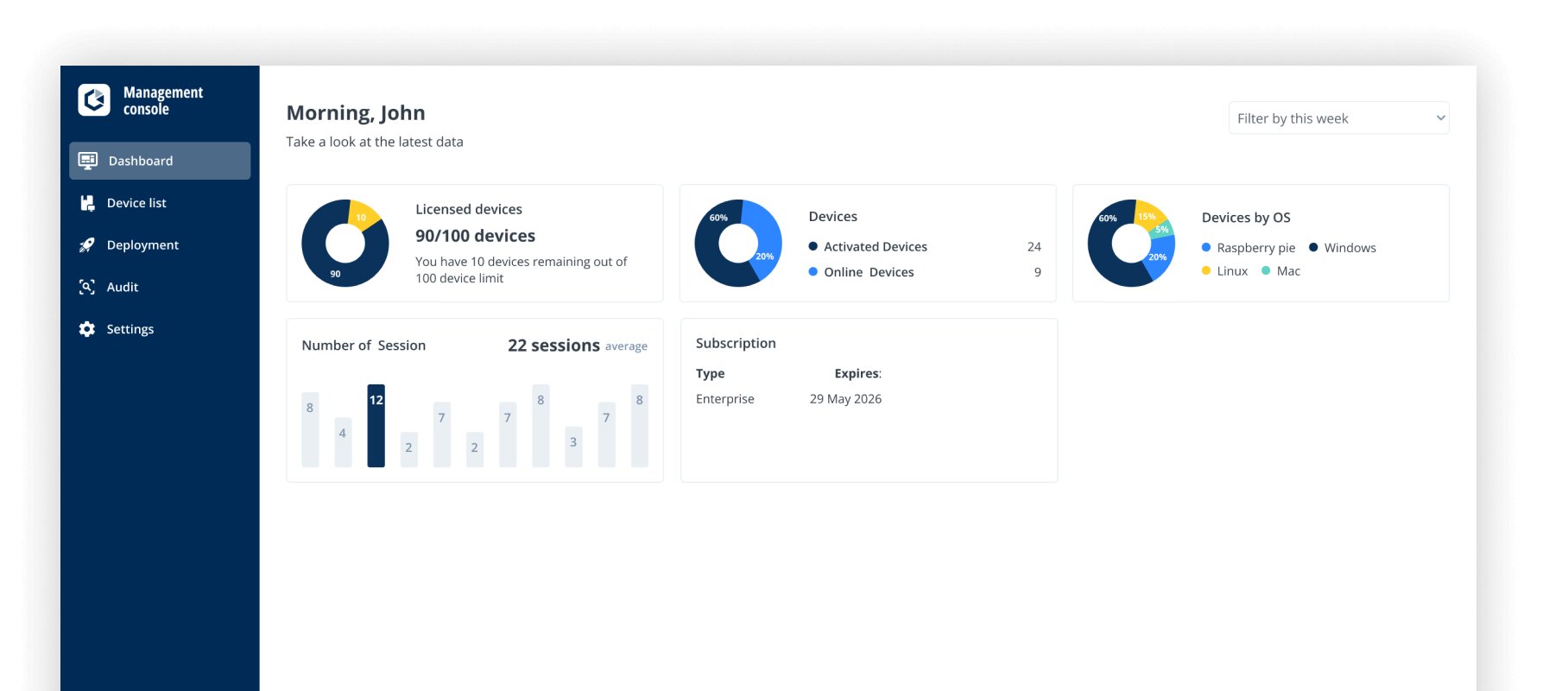
RealVNC now moves you into a proprietary ecosystem, and licensing can get expensive depending on how many users/endpoints you’re covering. It does support Linux, but it’s not Linux-first in the way HPC and research environments typically need.
X2Go is a long-standing community favorite and still useful in smaller setups, but development has slowed and many teams run into limitations around modern desktops and long-term maintainability.
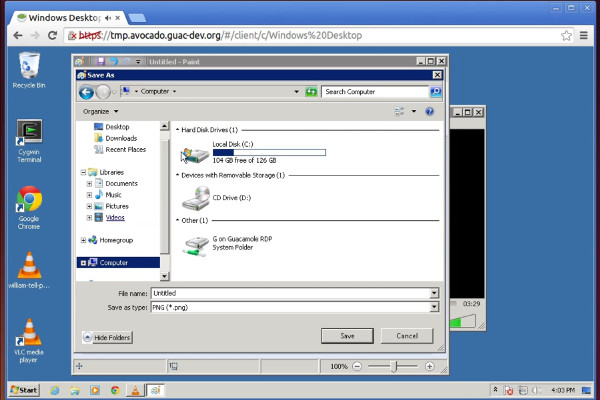
Guacamole is a great project, but it’s not a remote desktop platform on its own. If you try to make it the core of production Linux desktop delivery, you still need something behind it to handle sessions, scaling, and the actual Linux desktop experience.
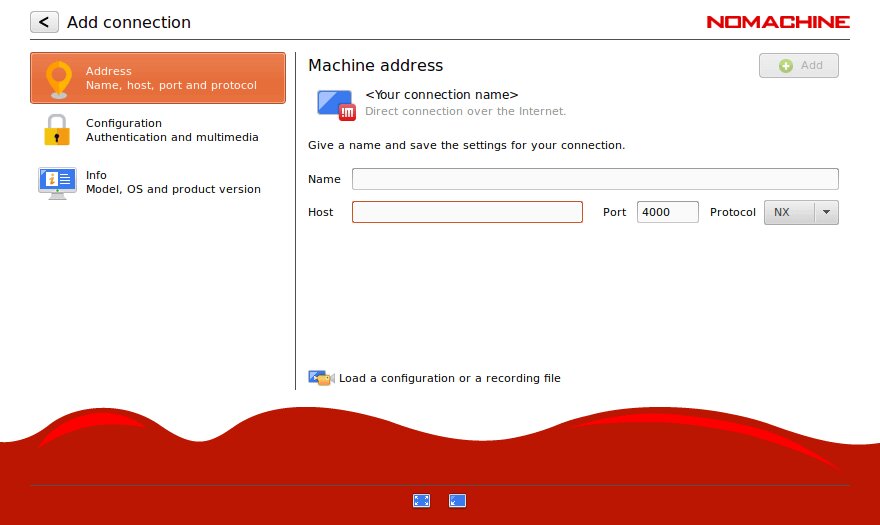
NoMachine might feel fast, but it’s a closed ecosystem and doesn’t align cleanly with how Linux enterprises manage identity, session persistence, and fleet-wide administration.
| Criteria | ThinLinc | Kasm VNC | TigerVNC | RealVNC | X2Go |
| Performance | Good (optimized VNC over SSH, low overhead) | Good (web-optimized, modern compression, 4K/60fps capable) | Good (high-performance VNC, supports 3D/video) | Good (enhanced RFB 6.0 with UDP support) | Good (NX-based compression) |
| Infrastructure complexity | Low (master + agents) | Low standalone; High with Workspaces (containers, orchestration) | Low (direct server) | Low (direct server) | Low (direct server) |
| Enterprise security | Excellent (SSH, LDAP/AD, MFA via PAM, Kerberos) | Good standalone (HTTPS, 2FA, audit logging); Excellent with Workspaces (LDAP, SAML, OIDC, MFA, STIG hardening) | Moderate (TLS/X.509 encryption, PAM auth, RSA-AES) | Excellent (AES-256, MFA, SSO, LDAP/AD, audit trails, ISO 27001, Cure53 audited) | Moderate (SSH-based, LDAP support, manual config) |
| Native client | Yes (Windows, macOS, Linux) + web | No (browser only) | Yes (Linux, Windows, macOS — standard VNC) | Yes (Windows, macOS, Linux, iOS, Android — proprietary) | Yes (Linux, Windows, macOS) |
| Session persistence | Excellent (robust, automatic reconnection) | Limited (containers ephemeral by default; persistence requires config) | Basic (manual reconnection) | Basic (manual reconnection) | Good (session suspension/resumption) |
| Management tools | Excellent (web admin console, monitoring, CLI) | Moderate standalone; Good with Workspaces (web admin, image catalog, policy) | Minimal (command line only) | Good (Management Console, centralized policy, audit export) | Basic (manual configuration) |
| Scalability | Excellent (built-in load balancing, thousands of users) | Good with Workspaces (auto-scaling, multi-agent, thousands of users; resource-intensive per session) | Limited (manual scaling) | Moderate (scales with licensing cost) | Limited (optional session broker, manual scaling) |
| Licensing cost | Cost-effective (concurrent licensing, free up to 10 users) | KasmVNC: Free (open source); Workspaces: Free community (5 users) + paid tiers | Free (open source) | Moderate to high (from ~$99/user/year; free for non-commercial) | Free (open source) |
| Total cost of ownership | Low (simple infrastructure, efficient licensing) | Low standalone; Moderate-to-high with Workspaces (container infrastructure overhead) | Very low (simple but limited features) | Moderate (licensing + management) | Very low (simple but limited features) |
| Enterprise support | Excellent (commercial support, professional services) | Community + paid support (via Kasm Workspaces) | Community only | Good (commercial support available) | Community only |
| GPU acceleration | Compatible (works with VirtualGL, not bundled) | Supported (GPU passthrough, VirtualGL, DRI3 via KasmVNC) | Compatible (works with VirtualGL, not bundled) | No | No |
| Best for | Enterprise Linux environments, persistent production desktops | Containerized workspaces, secure browsing, DevOps, disposable sessions | Small deployments, individual server access | Cross-platform enterprise remote access and support | Budget-conscious small/medium Linux teams |
Moving away from a containerized setup like KasmVNC (with Workspaces) to ThinLinc is actually a simplification of your infrastructure.
KasmVNC has definitely made browser access to Linux boxes easier than wiring up plain VNC plus noVNC manually. Once that turns into “this is how our developers and admins reach their Linux desktops every day,” though, you start to feel the difference between a container platform streaming VNC sessions and a Linux‑native remote desktop system like ThinLinc.
ThinLinc is Linux-native and focuses on exactly production basics like enterprise-grade security, built-in centralized management, and easy scalability.
If you’re ready to spend less time managing containers and more time running stable Linux desktops, you can try ThinLinc yourself and see the difference in practice.
