



Very few remote access solutions handle the Windows-to-Linux workflow quite the way xrdp does. It appeared only a year after we released ThinLinc back in 2003, and has rightfully gained its place as the default open-source RDP server since then.
We’ve talked to plenty of organizations that started there. And while it’s a fantastic community effort, it makes sense why they eventually start looking for xrdp alternatives. It’s just a translation layer, so when you need anything approaching enterprise requirements, most teams can’t deal with the level of tinkering and maintenance it requires.
That’s not a criticism of the project, and it’s certainly not because open source can’t deliver reliability. Quite the opposite. In fact, most of the components we built ThinLinc with are open-source. The difference is that we combine them with an enterprise-grade architecture that integrates natively into Linux environments, security standards, and user workflows.
Making xrdp work is very different from keeping it running in a production environment. At Cendio, we fall into the same 42% of organizations that actively support the open-source projects we rely on, so we see the value it brings to the community.
Now, we also understand that, much like other trusted projects (think Xpra, Apache Guacamole, or Remmina), it simply isn’t built with the session handling, stability, performance, and security that large enterprise deployments need.

Image source: Reddit
This has been dragging since xrdp’s first release. Its contributors have done impressive work fixing many of these bugs, but naturally, without a dedicated team behind it, it’s hard to chase every edge case across every distro update.
As one user described in a long-running GitHub issue: “I keep hearing from several users (but not some other users) that their GNOME desktops sometimes freeze when they reconnect to pre-existing xrdp sessions. Upon connect, they can move their mouse cursor but not click on anything. Sometimes they end up with a black screen after a while. This can happen after dozens of successful reconnects.”
This is one of the most visible issues across CentOS, Rocky Linux, Ubuntu, and sometimes Debian.
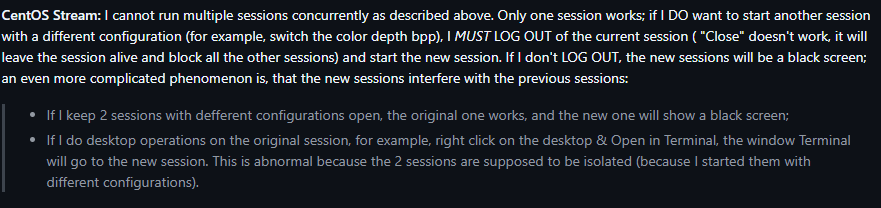
Image source: Github
As the maintainers have discussed openly on GitHub, if a user is logged in locally and tries to start a remote session (or start a second one), the desktops conflict. The lack of clear information available to the user makes this issue difficult to resolve. There are a few workarounds for this, but it creates a hard ceiling for organizations trying to scale.
Despite the community's best efforts, xrdp’s behavior varies wildly depending on each user’s environment. For example, it’s pretty common having to tweak some variables just to get GNOME running reliably after an upgrade.
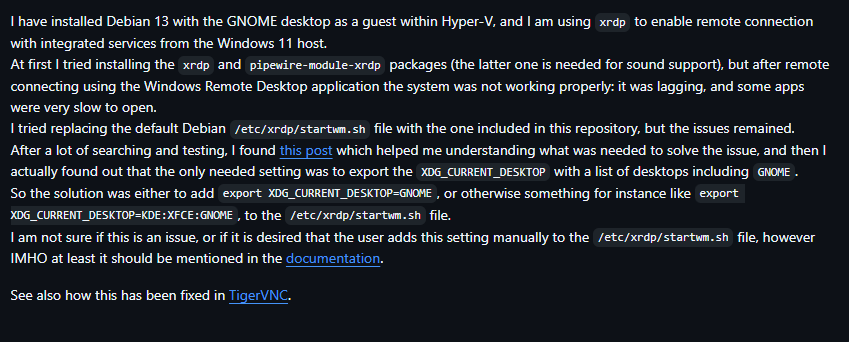
Image source: Github
To be fair, back in 2022 one of our devs fixed a similar environment variable issue in TigerVNC, so we know firsthand how tricky this can be. The difference is that when you use a solution like ThinLinc, these types of fixes are applied and tested before they reach your production environment.
One thing we hear almost every time a team switches from xrdp is how relieved they are to stop debugging missing sound devices and modules that silently fail. The issue isn’t really xrdp itself, but the PulseAudio sink module it depends on. You have to install it separately, and if it doesn’t match your PulseAudio version, it just stops working. Besides, it can be difficult to keep it stable across kernel updates.
Secure remote access should build on the security stack you already use, and for us, that’s SSH. Yes, you can tunnel RDP over SSH, but it's quite the extra step for every user. Not to mention the lack of native enterprise-grade authentication, like smart card support or Kerberos integration. Again, xrdp tries to make it as easy as possible with documentation and PAM modules, but it can only do so much to keep up with high-compliance or large deployments.
ThinLinc takes the best parts of the open-source ecosystem (including TigerVNC and noVNC, both of which we actively maintain) and builds an enterprise-ready infrastructure around them. While roughly 80% of the code is community-driven, the remaining layer is focused on the orchestration and stability needs that standard VNC or RDP servers lack, tested and validated against major distributions.
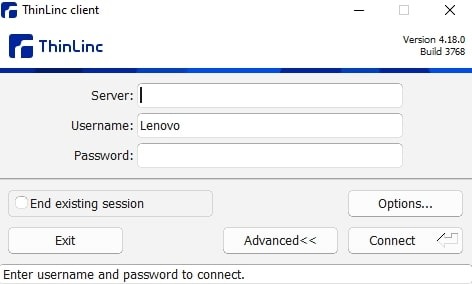
While xrdp does its best to keep sessions alive, it can’t help but struggle. ThinLinc sidesteps this entirely by decoupling the session from the network. Desktops run on the server independently of the client connection, so the user can disconnect and reconnect later on to find their work exactly where they left it.
Our team puts a ton of effort into ensuring ThinLinc handles concurrency without any issues. It spins up isolated sessions for each user and intelligently balances load across your cluster, so you can easily grow from 10 to 1,000 or more users.
Honestly, xrdp's community has made it easy to install on most distros. The problem here is the hidden cost of spending hours configuring and debugging startup scripts, which in our case is handled automatically. You can install ThinLinc in about 15 minutes, and while you can still script everything via CLI, there’s also a web administration console where you can standardize setups once (for example, configuring the load balancer), push changes cluster-wide, and monitor everything centrally.
We’ve included a highly optimized PulseAudio implementation as part of the foundation of ThinLinc, so sound redirection works out of the box. For graphics and multimedia, you can use VirtualGL for in-session GPU acceleration.
As we said earlier, xrdp gives you the tools to secure your deployment, but you have to build that security yourself. ThinLinc tunnels all traffic through SSH by default and integrates seamlessly with Kerberos, LDAP, and MFA. We have plenty of documentation, but if something goes wrong, you can reach out directly to our development team.
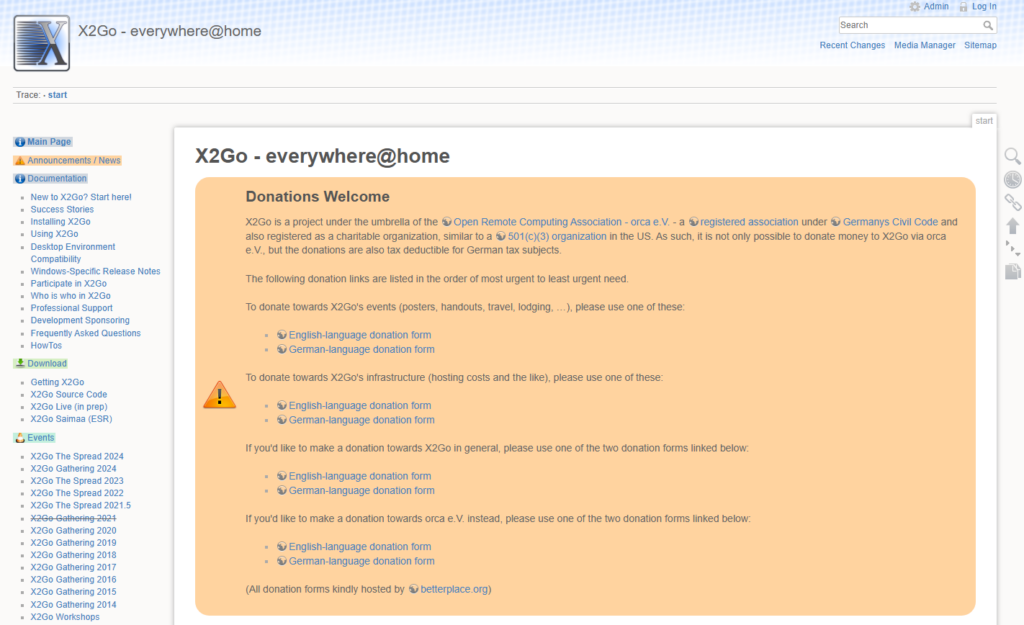
X2Go might be a better fit than xrdp for single users who just need to launch a specific tool like a text editor or file manager remotely. It struggles with some desktop environments like GNOME, though, so it can be difficult to standardize a consistent desktop experience across a large user base without running into graphical glitches.
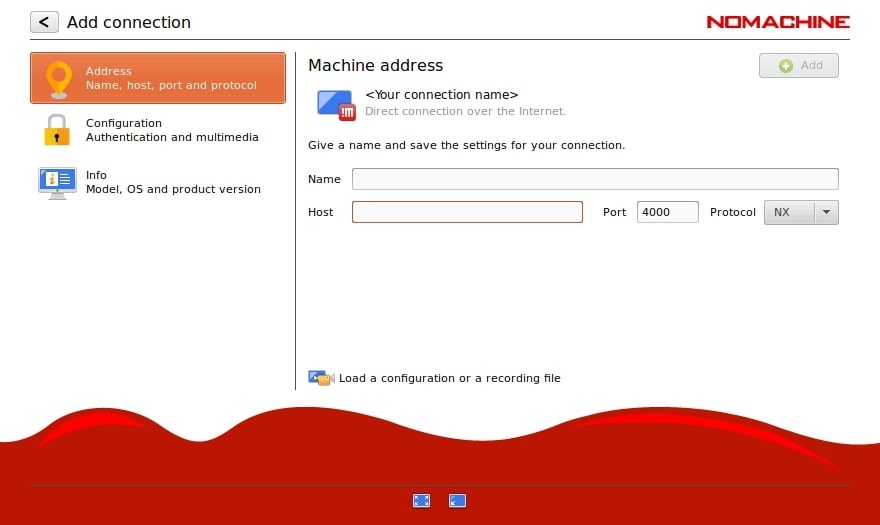
You’ve probably heard that NoMachine can feel faster than standard RDP, but it’s a costly option for Linux enterprise use. It’s designed to run across Windows and macOS as well, which means it won’t align as closely with Linux-native infrastructure and workflows.
TigerVNC is the high-performance engine that powers ThinLinc, so we know it’s a great piece of software. It performs better than a basic xrdp install, but on its own, it lacks the session management and centralized user handling that you need for a full team.
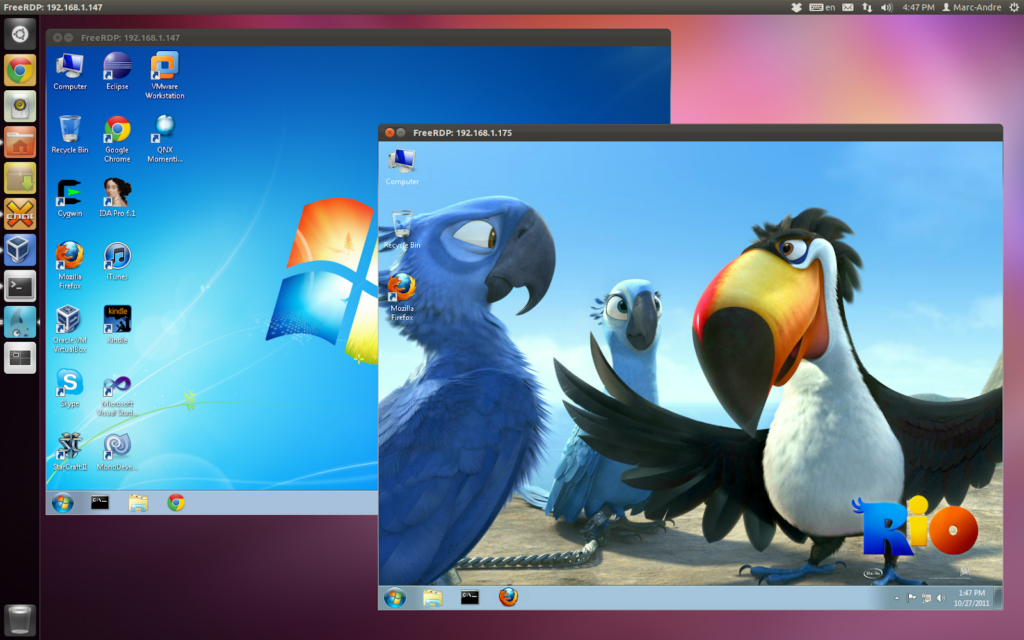
We’re listing this here just to clear up a common confusion we see in forums. FreeRDP is primarily a client, not a server. It’s an excellent open-source tool for connecting to RDP servers (Windows or Linux) and often works better than other clients when connecting to xrdp. Now, if you’re looking to host Linux sessions, this isn't the tool you install on your server.
| Criteria | Xrdp | ThinLinc | X2Go | NoMachine | TigerVNC | FreeRDP |
| Session stability | Poor - black screens, freezes, crashes | Excellent - highly stable even with multiple users | Good | Good | Good - but requires extensive configuration | N/A (client) |
| Multi-user reliability | Poor - performance drops when scaling | Excellent - built-in architecture for load balancing | Limited - scaling is manual and resource-heavy | Good - with some issues in terminal-server style deployments | Manual setup | N/A |
| Configuration complexity | High | Low | Moderate | Moderate | High | Low to Moderate |
| Out-of-box functionality | Limited | Excellent | Good | Good | Fair | Good |
| Audio support | Problematic | Excellent | Basic | Good | None | Limited |
| Enterprise features | Basic- requires manual setup | Comprehensive | Limited | Good | Basic | None |
| Maintenance overhead | High | Low | Moderate | Low | High | Low |
| Cost for teams | Free | Cost-effective | Free | Expensive | Free | Free |
We love open source, and we believe xrdp has an important place in the ecosystem. Now, there comes a point in every organization's growth where stability outweighs flexibility. When your users are blocked by black screens or broken audio, the fact that the software was free doesn't really matter.
With ThinLinc, you get the reliability of a supported enterprise product with the soul of a Linux-native tool that respects your infrastructure.
If you’re tired of config file errors and want a session that just stays connected, it might be time to see what a dedicated remote desktop platform can do.
Switch to ThinLinc and get your time (and sessions) back.
